

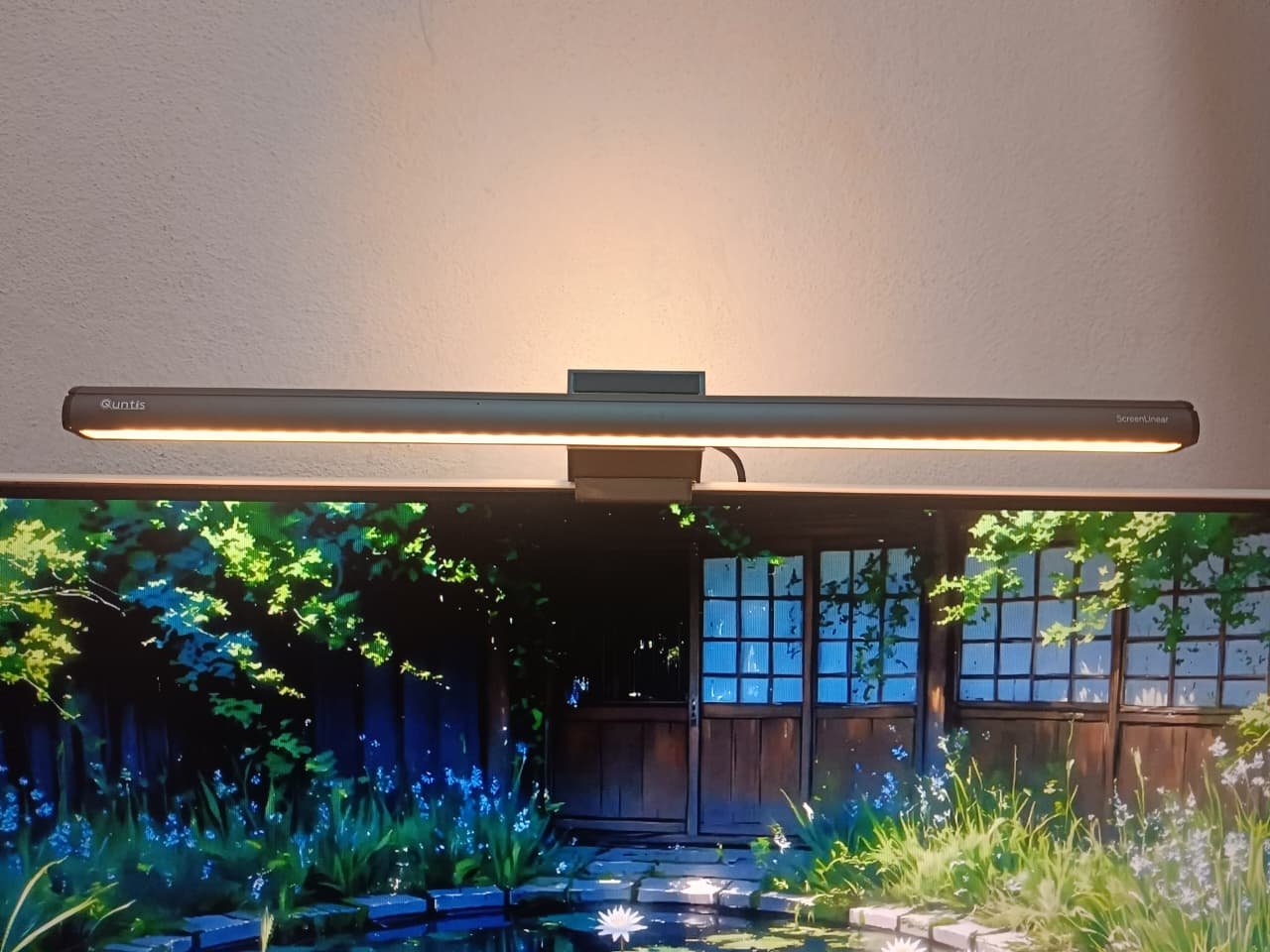
I’ve been using the Quntis Light Bar Focus ScreenLinear Classic Plus for over a month now. It features color temperature adjustment from 3000K to 6500K, a 45° adjustable bar angle, auto-dimming, a 2-hour auto-off timer, and zero screen glare or flicker. After testing it for a month, here are my full thoughts.
Unboxing & Design
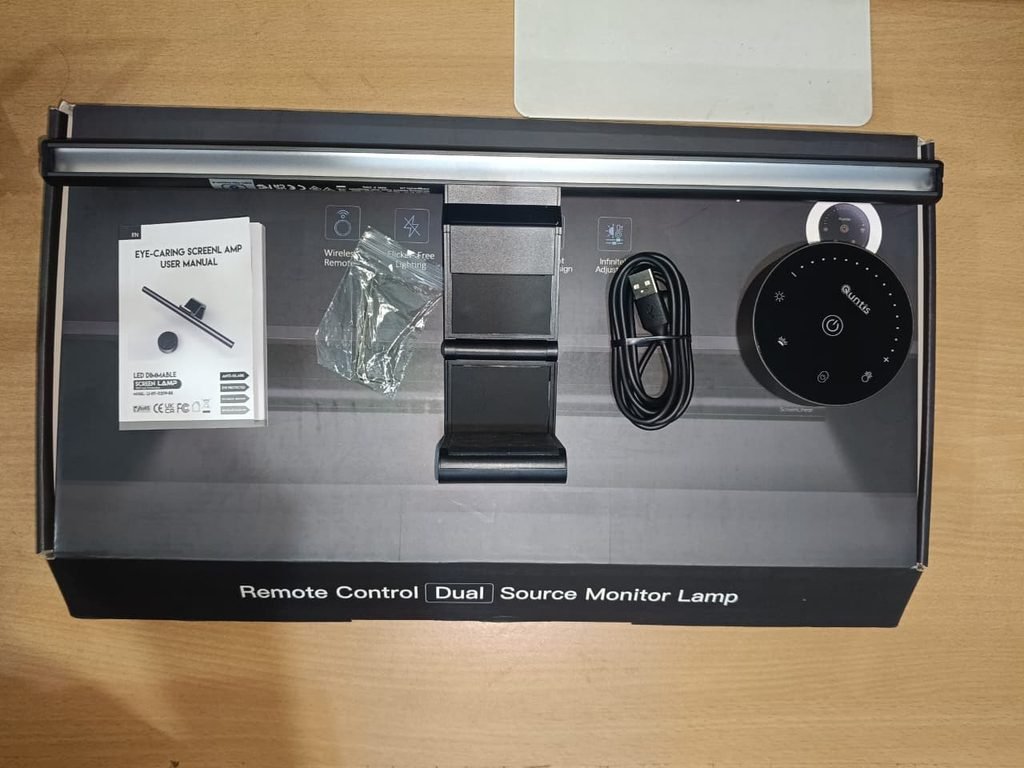
In the box, you get the Quntis Monitor Light Bar Focus itself, a remote to control the light, a USB-C cable for powering the light bar, an Allen key to set up and fix the light bar, and the user and warranty manuals. That’s everything you get in the box, and it all comes in good packaging.

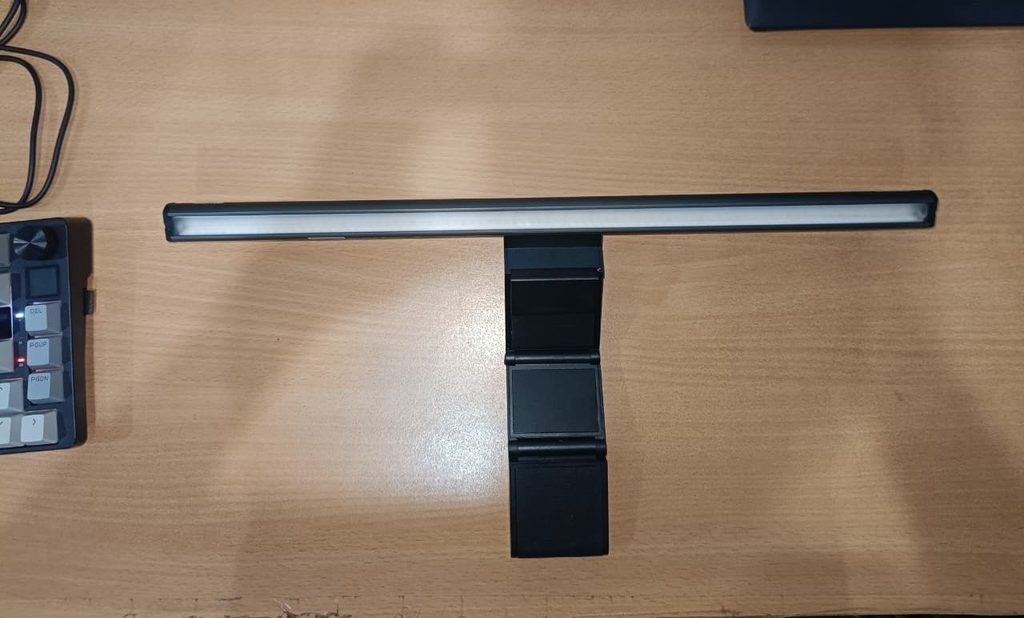
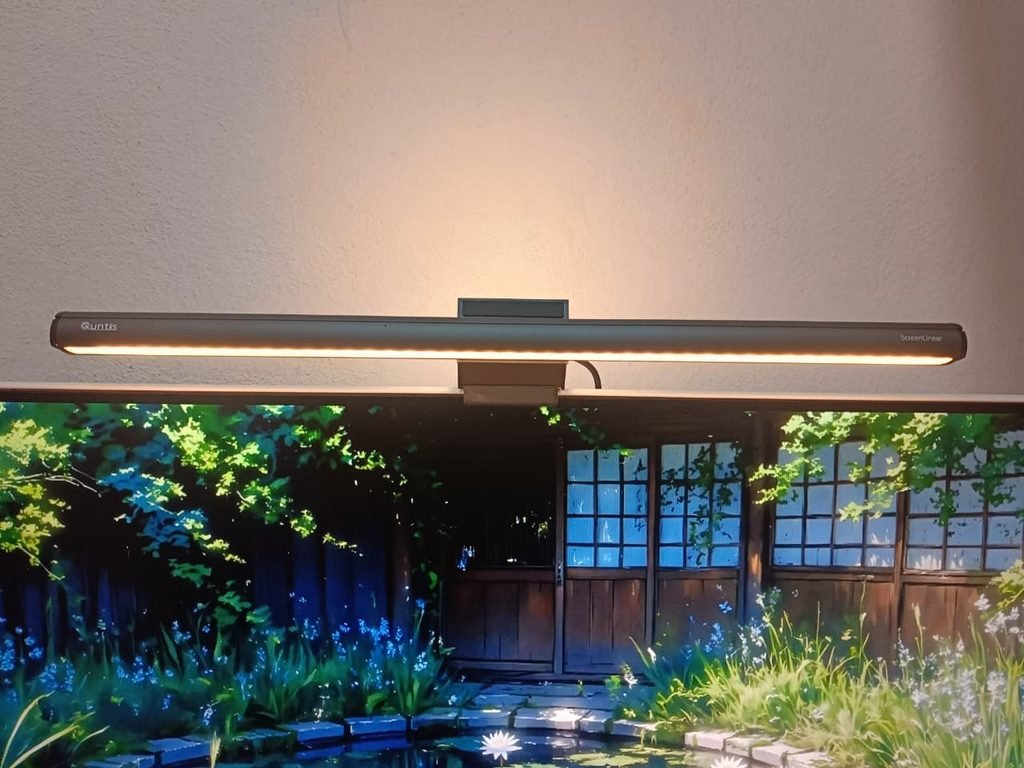
When it comes to design, the Quntis ScreenLinear Classic Plus nails the clean, minimalist look. It features a sleek matte black cylindrical body that blends seamlessly onto the top of any monitor without looking bulky or out of place. The subtle branding—with the Quntis logo on one end, ScreenLinear on the other, and not a single button on the light bar itself—gives it a premium feel.
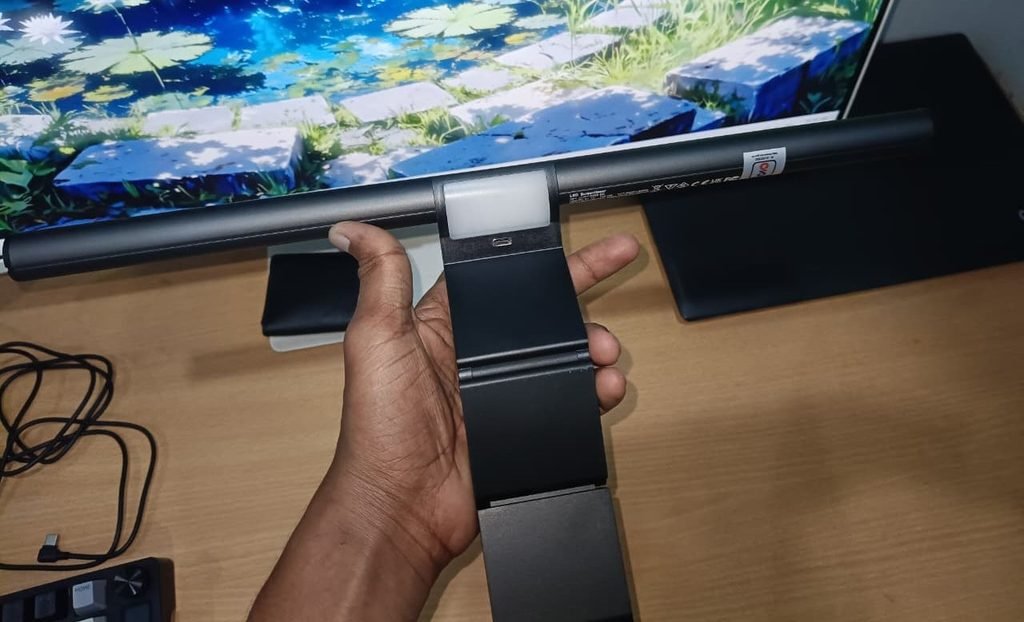
The mounting system uses a weighted, counterbalanced clip mechanism designed to sit securely on top of your display. It grips firmly without putting pressure directly on the screen itself, keeping the setup stable and clutter-free. On the back, it also features a backlight that illuminates the area behind your monitor. This makes working in dark environments much easier on the eyes, and if your desk is set up against a wall, the ambient glow behind the display is a huge plus for the ScreenLinear Plus.
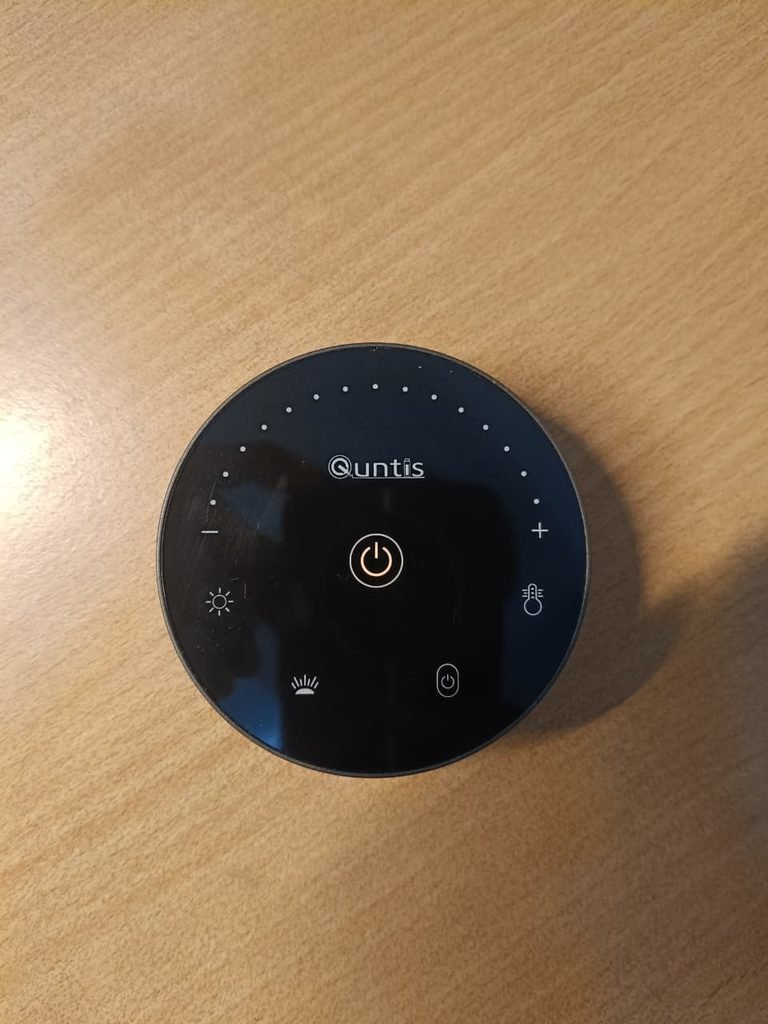
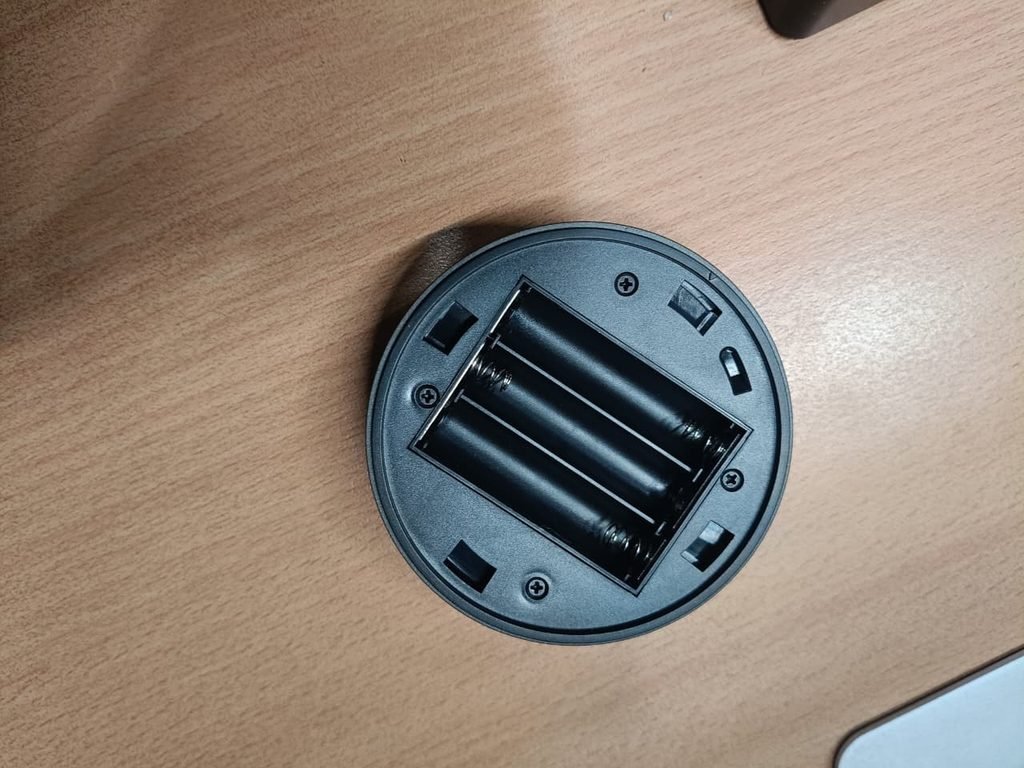
One of the standout design elements is the accompanying wireless controller dial. It has a matching matte black finish with a subtle blue ring around the top rim, giving you a smooth, tactile way to adjust brightness and color temperature without having to reach up to the light bar. The wireless remote isn’t rechargeable, so you need to insert AAA batteries to make it work. This is a slight downside, but overall, the space-saving desk footprint and wire-free desktop controls make it a great addition to any clean workspace setup.
Features & Everyday Lighting Performance
The lighting performance is where this bar really shines for desk work:
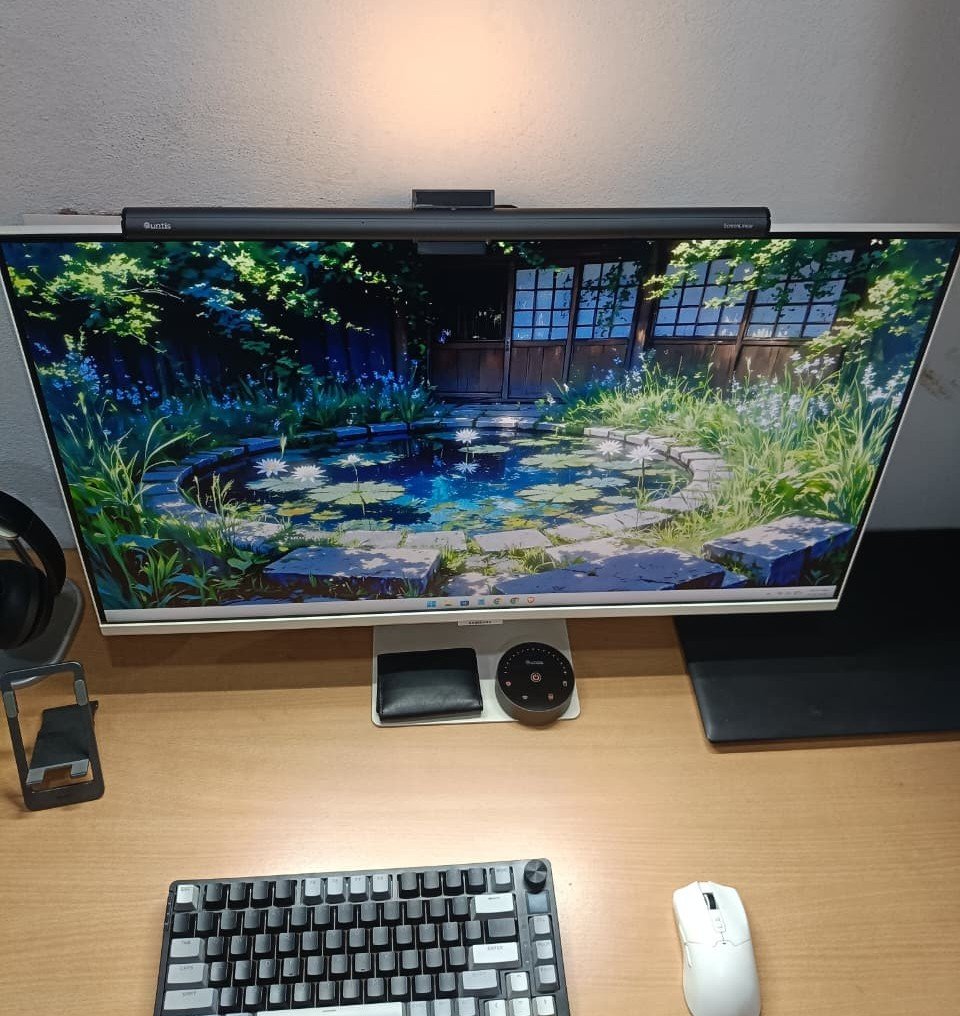
Asymmetric 45° Optical Beam: The light is directed strictly downward onto your keyboard and desk rather than bouncing off the glass. This keeps reflective glare off your screen and out of your eyes.
High Brightness & Color Accuracy: Delivering up to $\ge1200\text{ lux}$ of brightness with a CRI 95 rating, colors look natural, and documents or keyboards are clearly illuminated.
Auto-Dimming & Rest Timer: Double-clicking the wireless remote activates the ambient light sensor to match room brightness. Holding it for 3 seconds starts a 2-hour auto-off timer to remind you to take screen breaks.
Wireless Desktop Control Dial: Adjusting brightness and color temperature (3000K–6500K) is done via a rotating desktop dial. It features a matching matte finish with a subtle blue ring around the top rim.
Productivity and Focus Impact
Having a proper lighting directly over your workspace makes a huge difference. The setup provides great visibility across the desk while keeping the environment much less stressful on your eyes during long stretches of computer use. Because the light focuses strictly on the monitor display area and keyboard, it helps eliminate room distractions and creates a focused workspace.
Final Thoughts

The Quntis Monitor Light Bar Focus ScreenLinear Classic Plus at around $80 is an excellent addition to any workspace. It delivers glare-free illumination, ambient backlighting, and solid build quality without taking up valuable desk real estate.
However, the one notable downgrade is the wireless remote control. Instead of featuring built-in USB charging, it relies on standard AAA batteries. If you work long hours and use the light daily, you’ll find yourself replacing those AAA batteries roughly every month.
Despite that minor annoyance with the remote, the overall lighting quality, reduced eye strain, and boost to daily focus make it worth every penny at the $80 price point
